
The manual way
- Copy numbers and save every contact individually
- Separate results by country manually before saving
- Reorganize names and review results by hand
- Use extra steps or tools to prepare results in different formats
Extract contacts from chats, groups, communities and labels, then filter results, organize names and save or export them with ease.
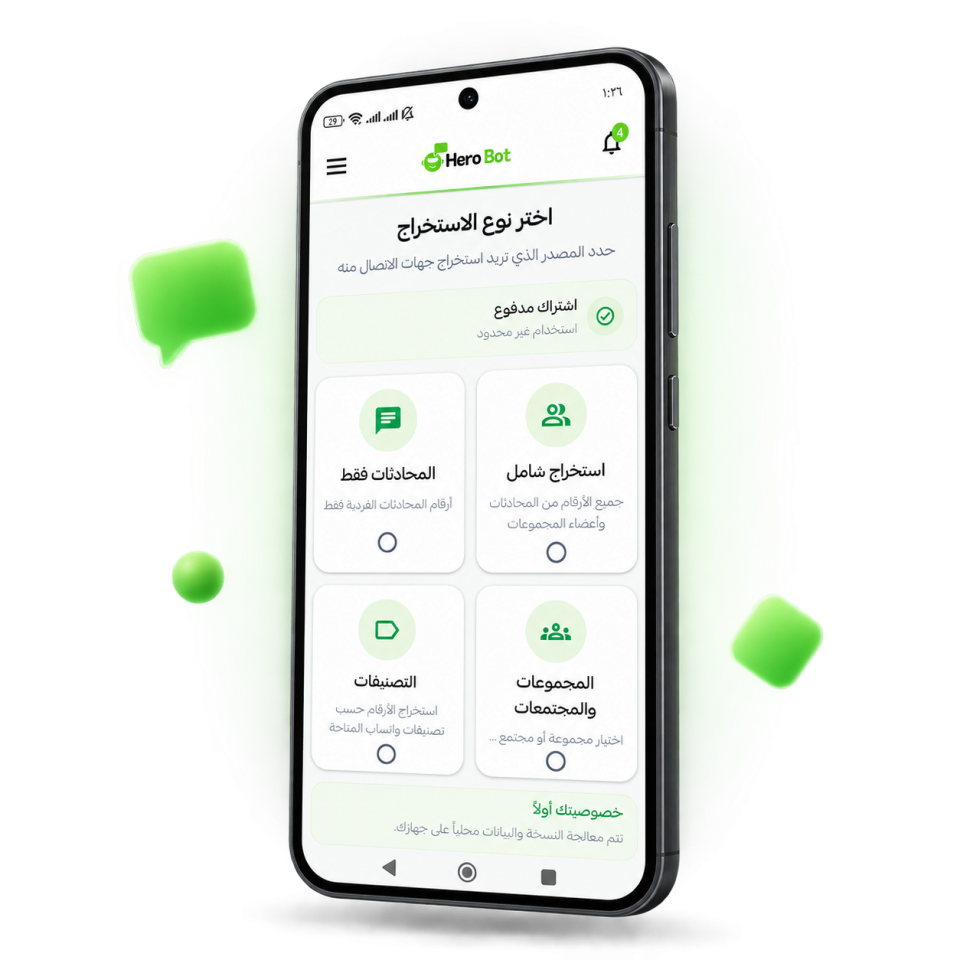
HeroBot App lets you collect contacts, filter and organize the results, then save or export them in one workflow instead of repeating the same steps manually.
Follow the contact journey step by step: choose an extraction type, filter and name the results, save them, then see the names ready to use.
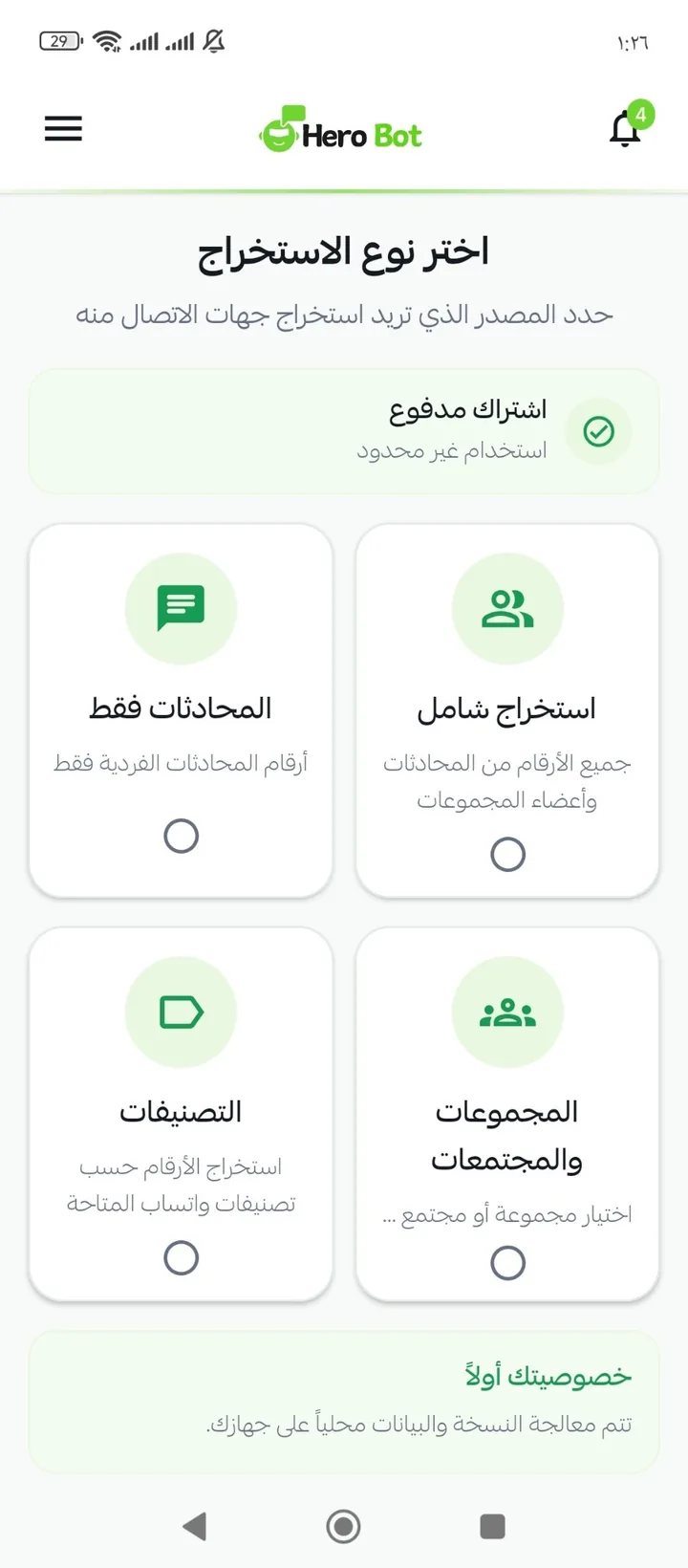
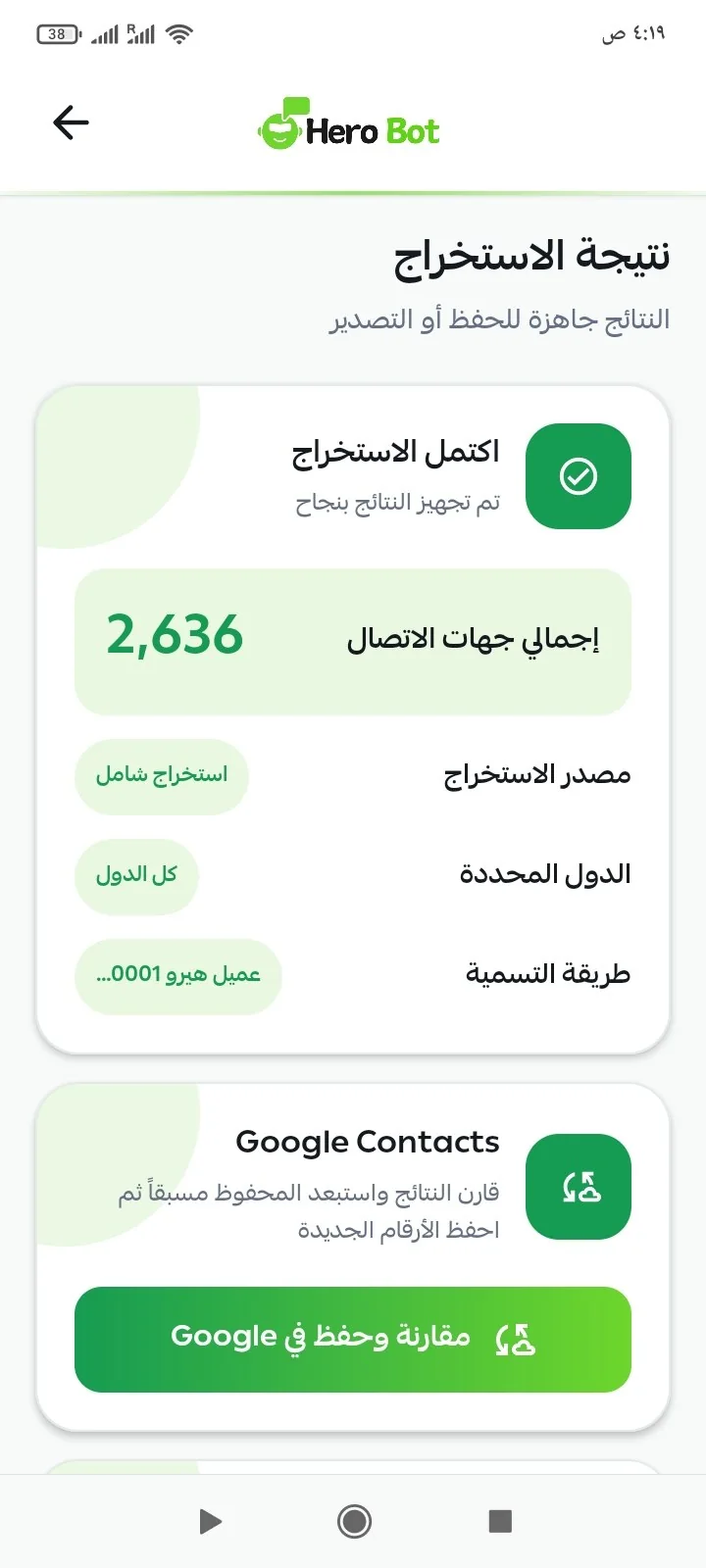
Choose full extraction, chats, groups, communities or labels, then prepare the results for the next steps.
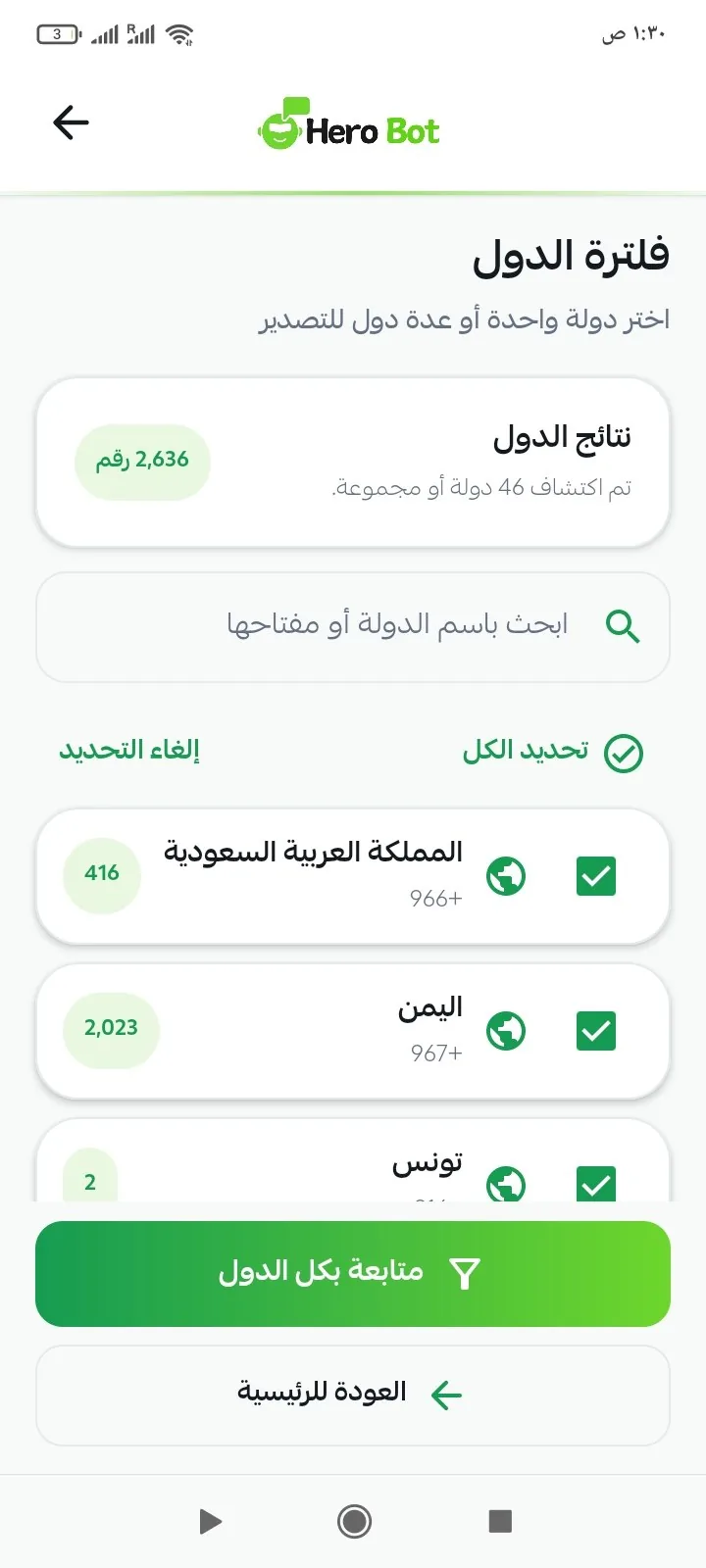
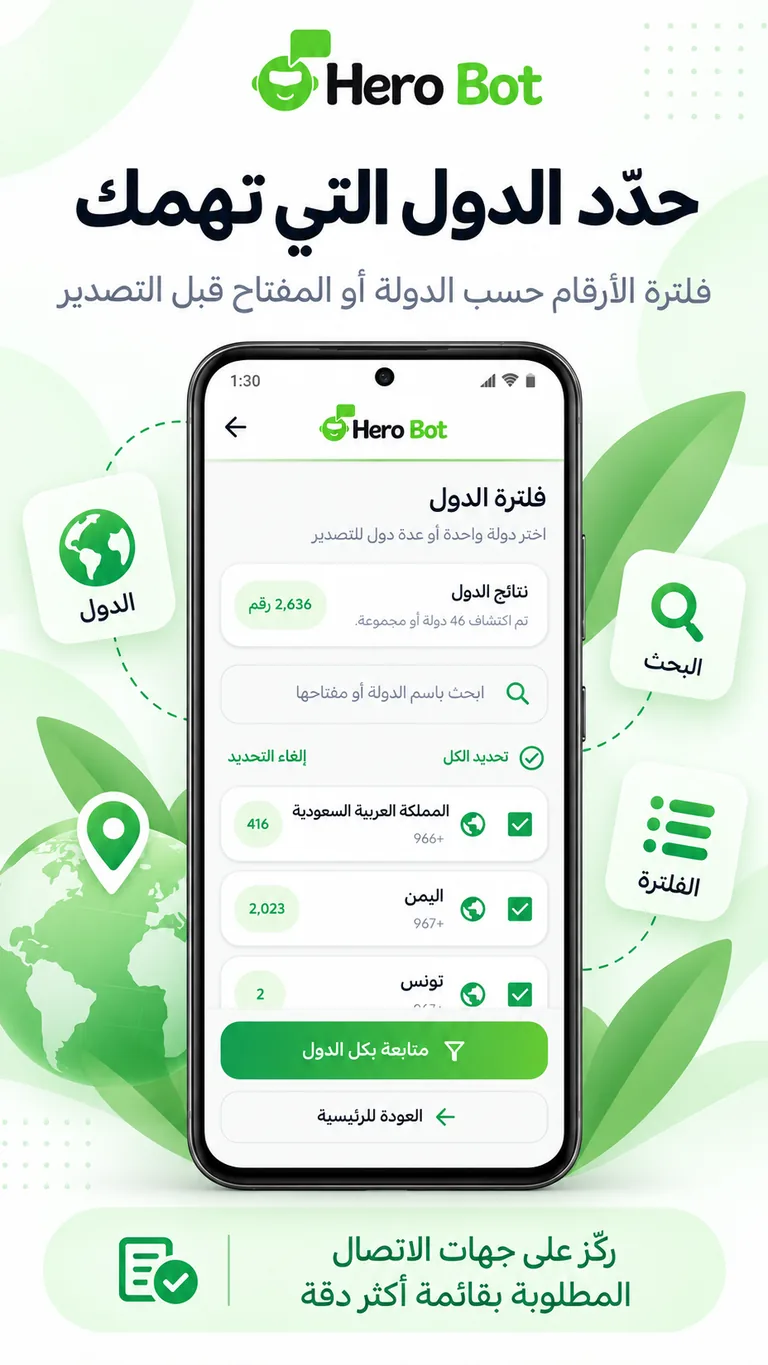
Select one or multiple countries so you continue only with the contacts that matter.
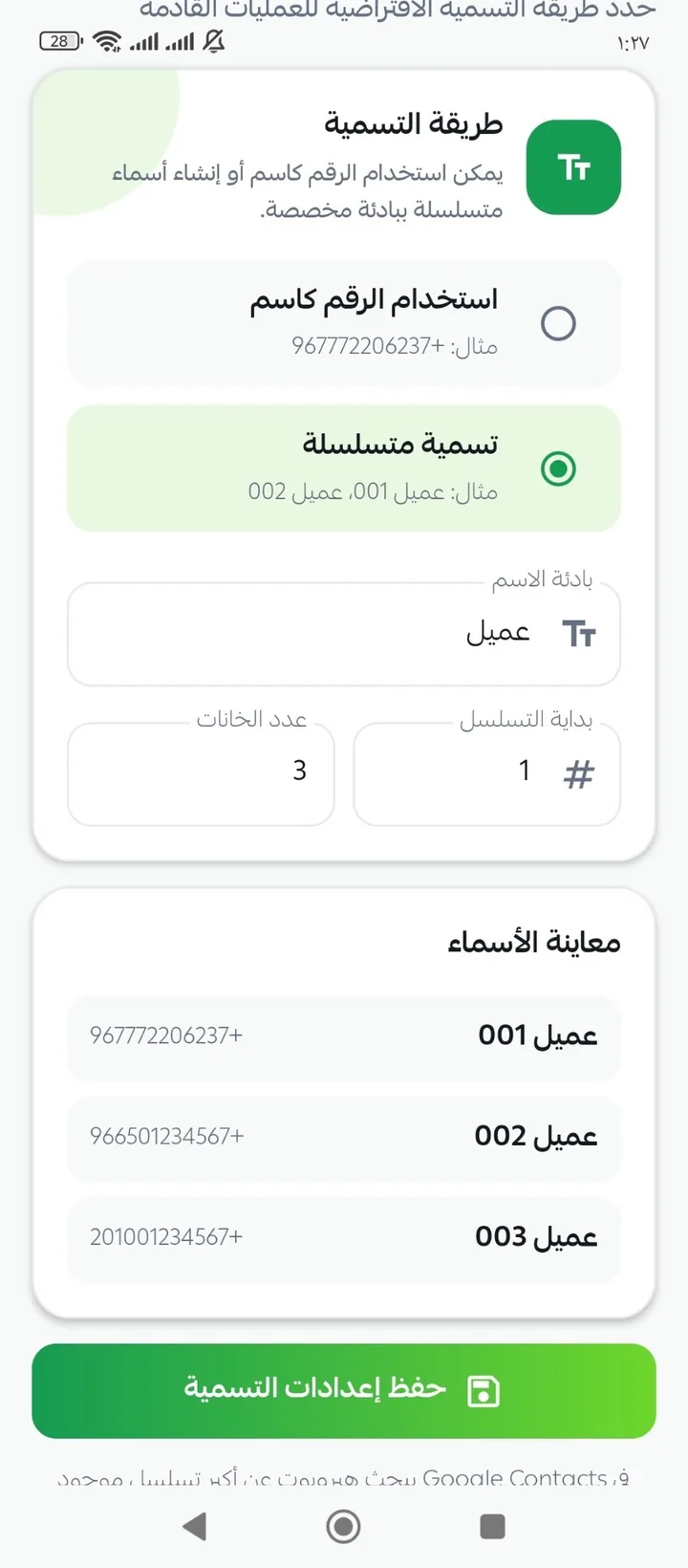
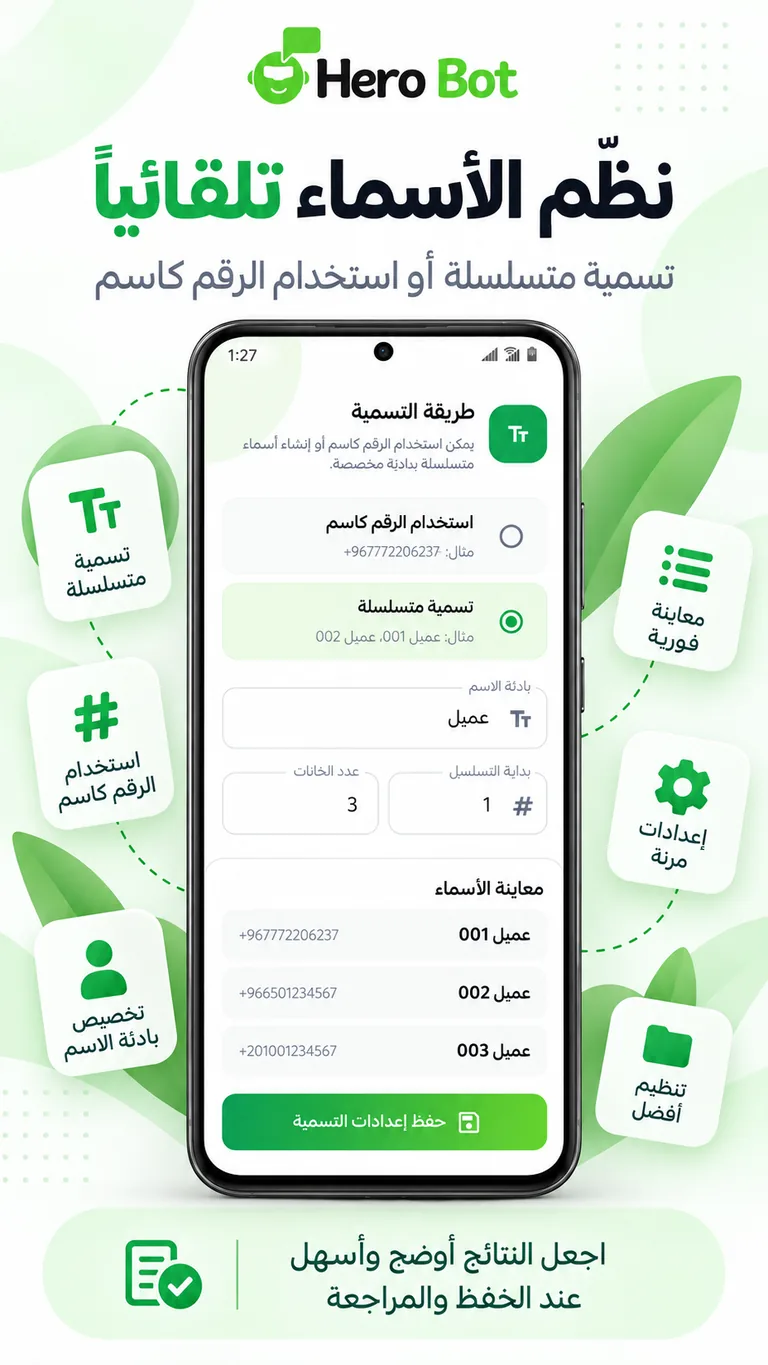
Use sequential naming with a custom prefix or use the phone number as the contact name.
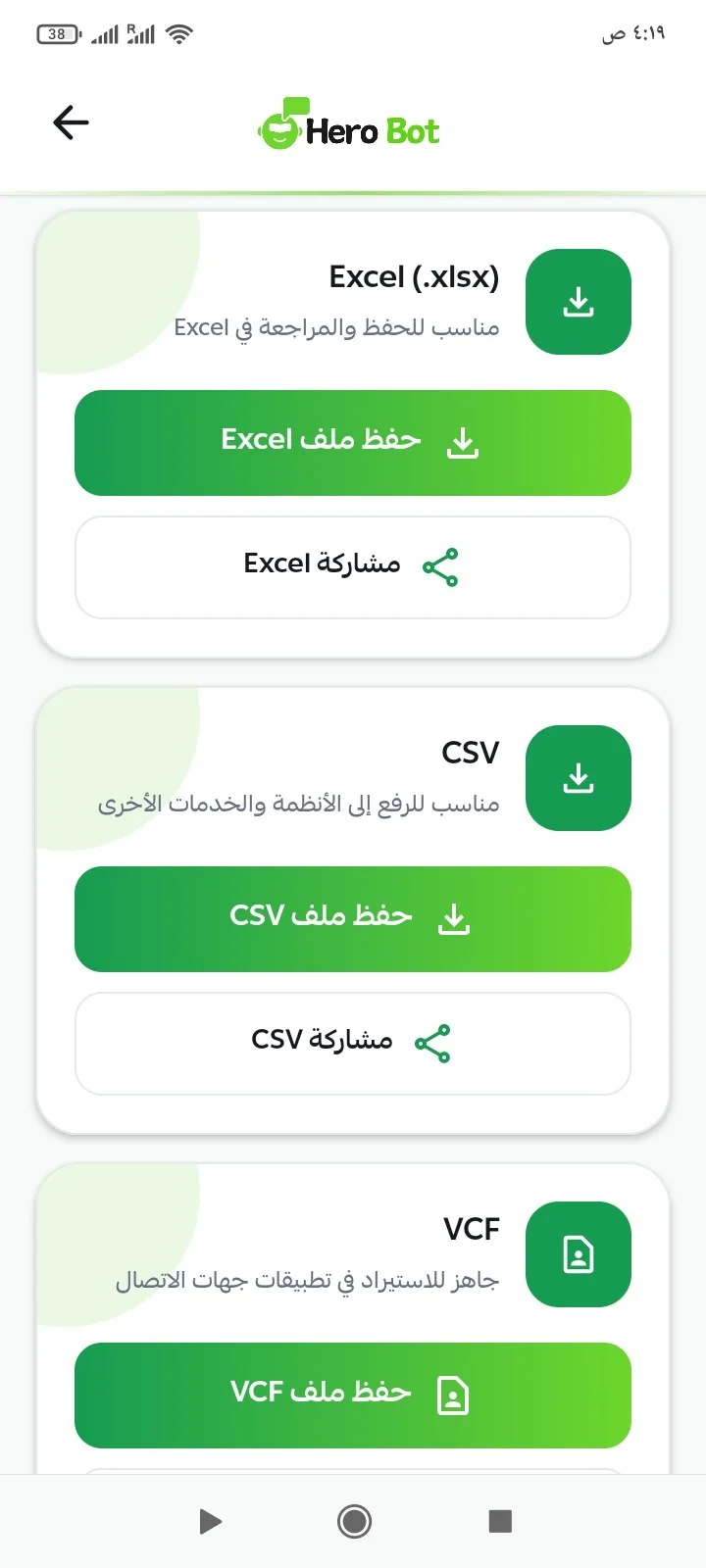
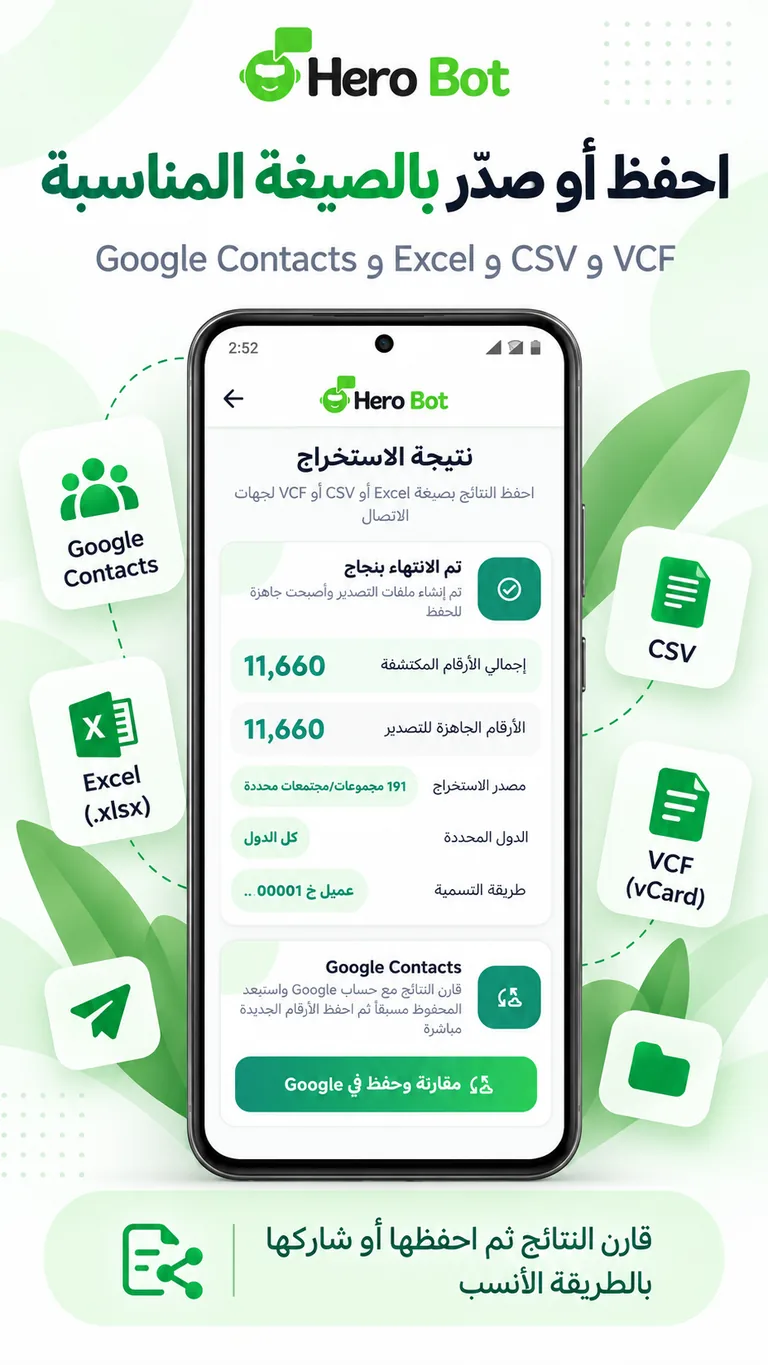
Export to Excel for review, CSV for other systems or VCF for contact apps.
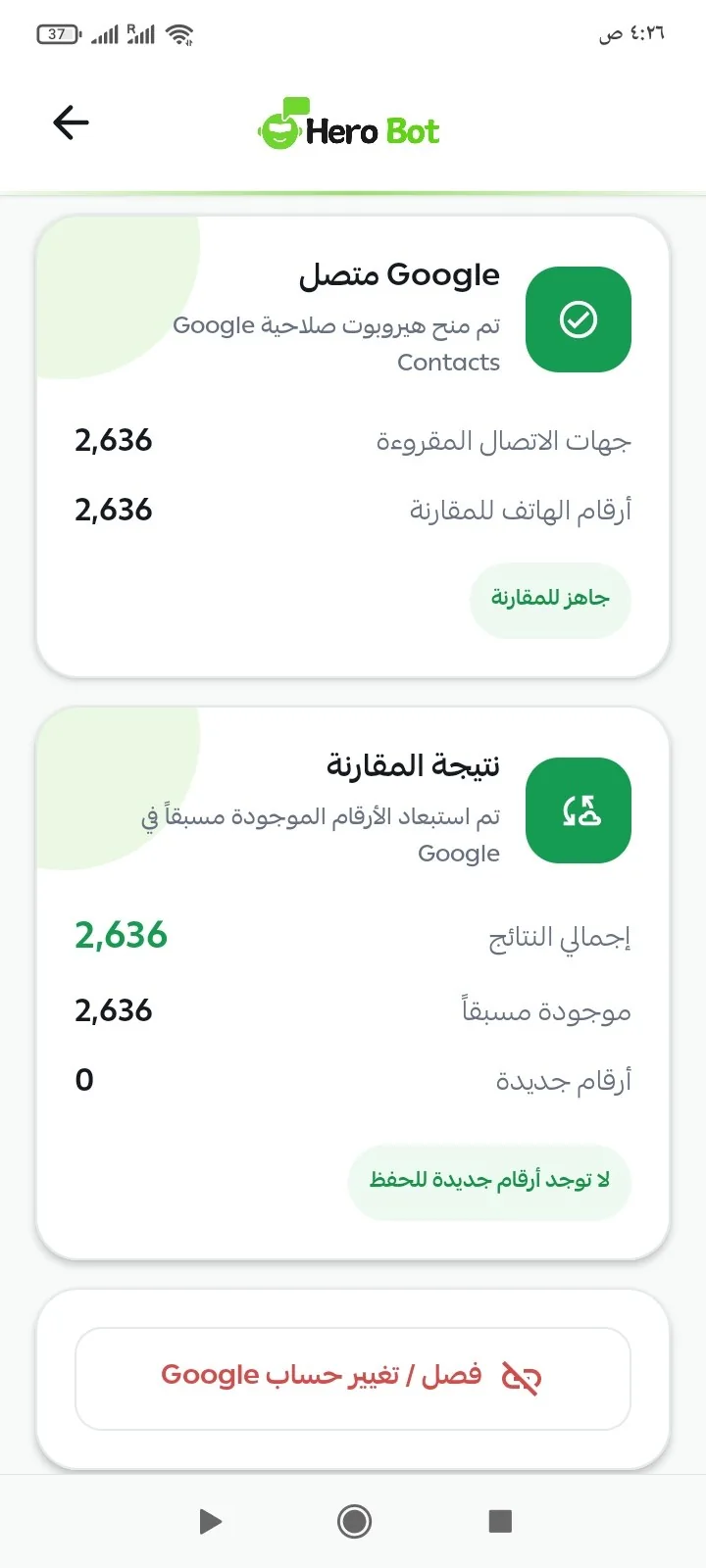
Compare results with contacts already saved, then save the new numbers to Google Contacts in one batch.
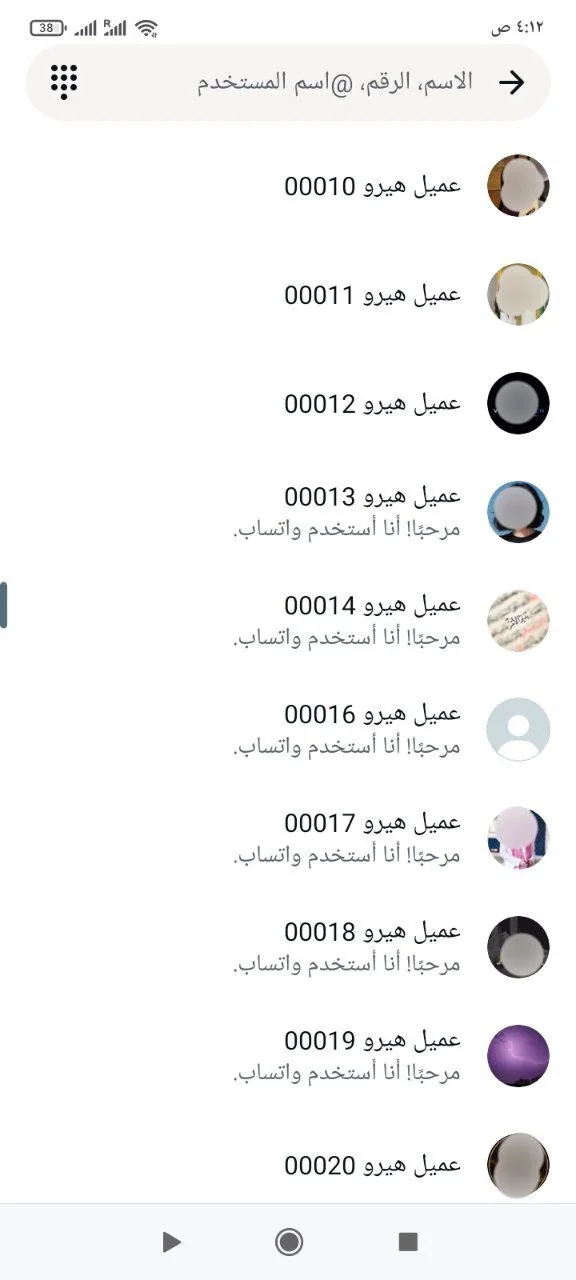
After saving, contacts appear with the naming format you chose so they are easy to recognize in WhatsApp.
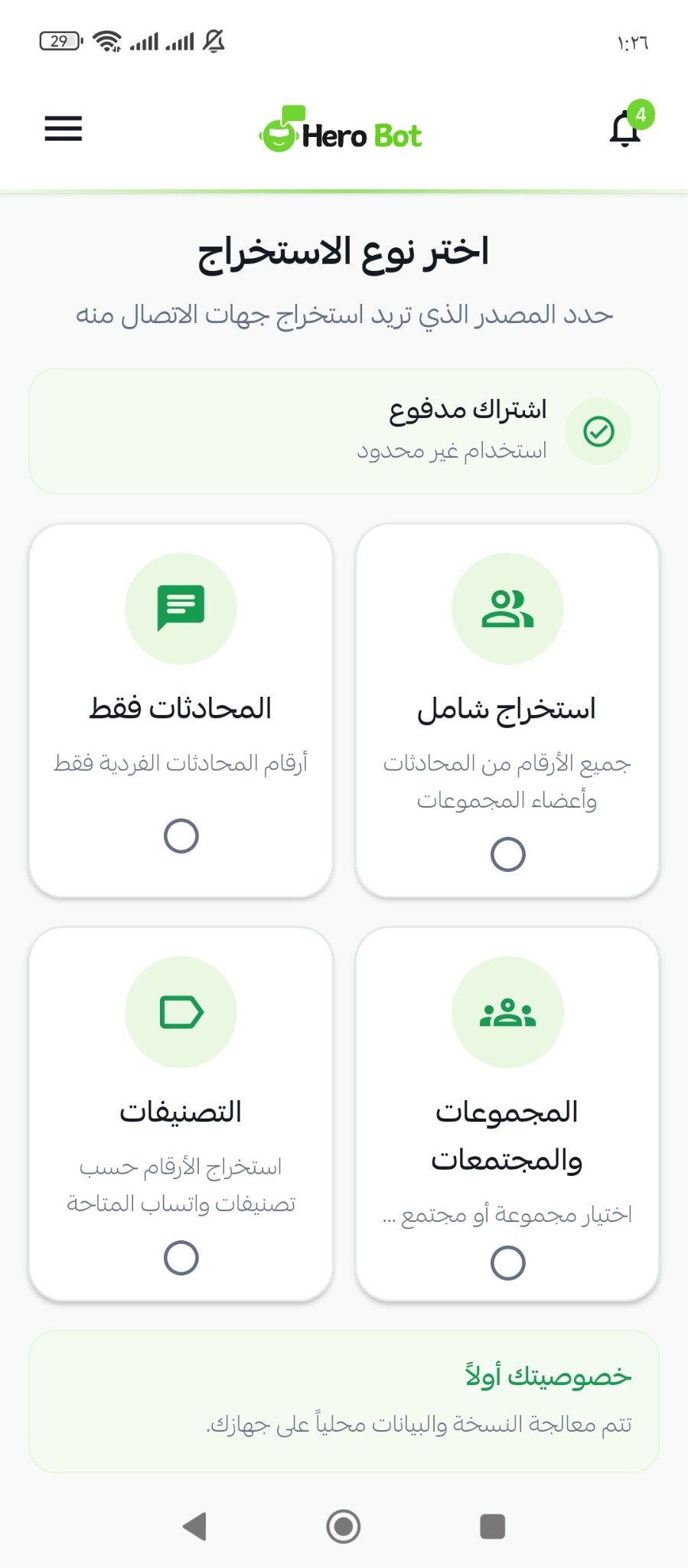
Start where your contacts are: chats, groups, communities or labels, or use full extraction.
Collect available numbers from chats and group members in one extraction flow.
Extract contact numbers from individual conversations only.
Extract the contacts you need from WhatsApp groups.
Work with contacts found inside WhatsApp communities.
Extract numbers based on the available WhatsApp labels.
The copy and data are processed locally on your device during extraction.
From filtering thousands of numbers to naming, saving and exporting them, HeroBot App is designed to reduce repetitive work and turn results into contacts that are ready to use.
After extraction, HeroBot groups results by country so you can choose what you need before saving or exporting instead of reviewing numbers manually.
Set your naming method once, then let the app apply it to the results so contacts are easy to recognize after saving.
Compare extracted results with contacts already stored in Google Contacts, skip duplicates, then continue with the new numbers instead of saving one contact at a time.
Whether you want to review the data, move it to another system or import it into a contacts app, HeroBot gives you multiple formats from the same result.
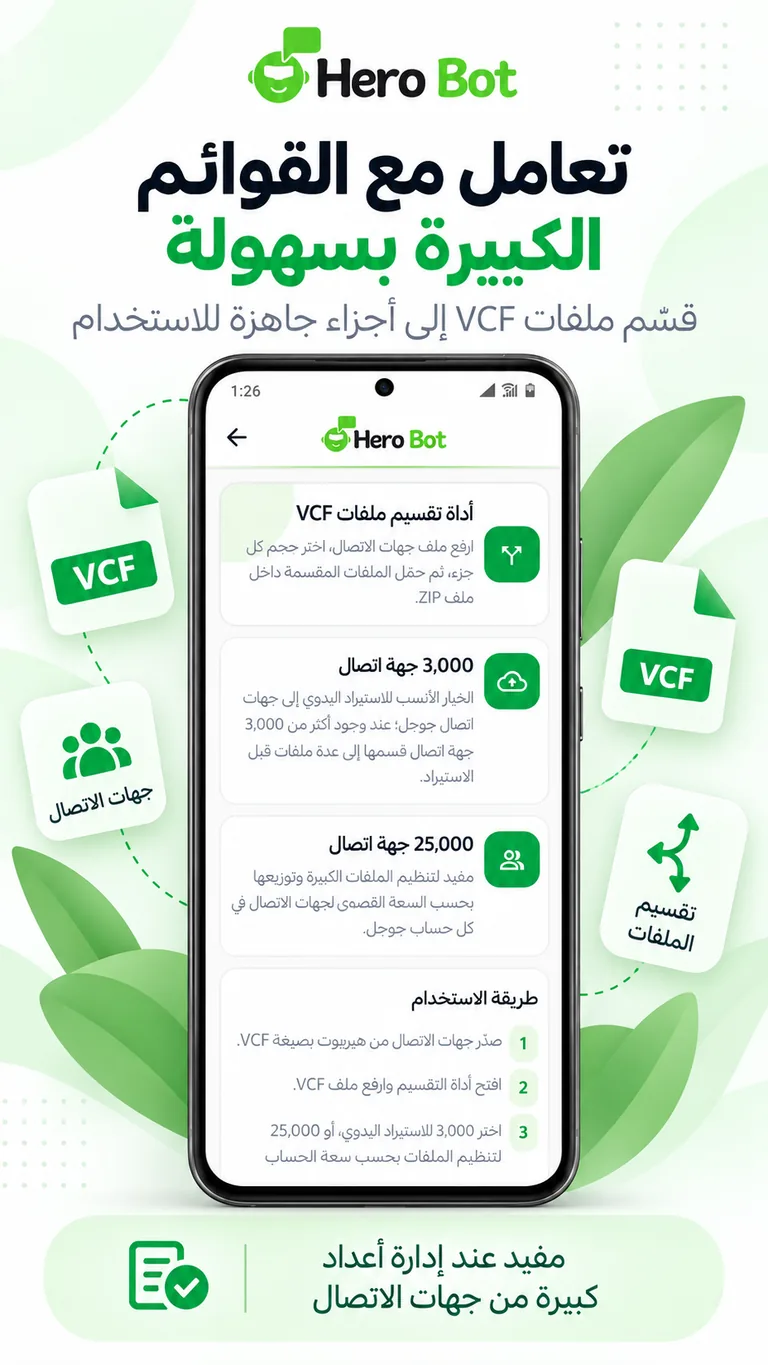
When a contacts file contains thousands of records, split it into easier-to-import parts instead of handling one oversized file manually.
Choose the plan that fits your use.
Short answers about using HeroBot App and its features.
Yes. The current HeroBot App release is available for Android devices.
You can use full extraction or extract contacts from individual chats, groups, communities and labels.
Yes. You can select one country or multiple countries and continue only with the contacts that matter to you.
Yes. The app supports sequential naming with a custom prefix, and you can use the phone number as the contact name when needed.
Yes. You can compare results with contacts already stored, then save the new numbers to Google Contacts in one batch.
Results can be exported to CSV, Excel and VCF depending on your workflow.
The copy and data are processed locally on your device during extraction.
The free plan lets you use the app for up to 300 contacts. You can review the other plans in the pricing section.
Download HeroBot App for Android and start with the free plan.