
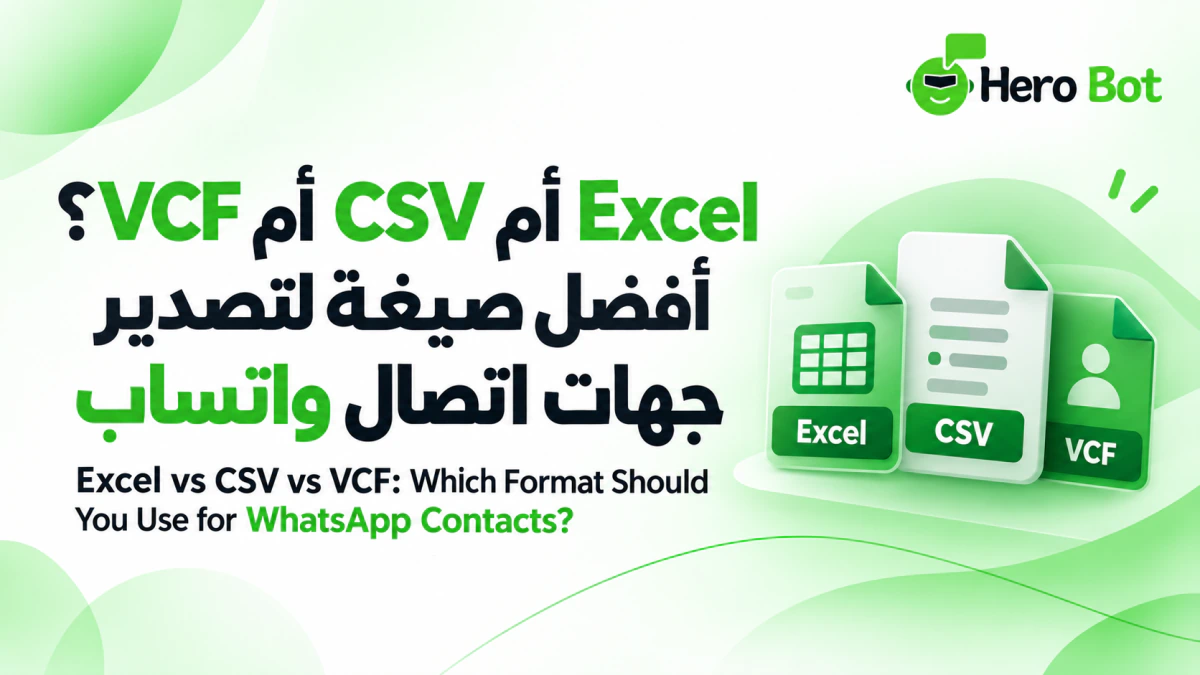
After extracting and organizing WhatsApp contacts, one important decision remains: choosing the right export format. HeroBot App for Android can export results to Excel, CSV and VCF, and can also save them to Google Contacts. Each option fits a different workflow, so the best choice depends on what you plan to do with the contact list next.
This guide explains the practical difference between Excel, CSV and VCF, when each format is useful, and how to prepare your contact list before creating the final file so you can avoid unnecessary cleanup later.
Prepare the list before choosing a format
Before deciding on a file type, make sure the results are ready. Extract contacts from the correct source, review the list, apply the country filter when needed, and organize contact names before export.
For the complete workflow from extraction to export, see the complete guide to extracting and exporting WhatsApp contacts.
1. When should you use Excel?
Use Excel when you want the results in a spreadsheet that is easy to open and review visually. This format works well when you want to read names and phone numbers in a table, sort the data, or keep a list that fits a spreadsheet-based workflow.
- Useful for visual review.
- Suitable when you want to work with the list as a spreadsheet.
- Practical when sharing a file that can be opened in spreadsheet applications.
If the list will remain inside your team for review, sorting or archiving, Excel is often convenient because the data can be read directly without another import step.
2. When should you use CSV?
CSV is a lightweight structured text format and can be useful when you want to move contact data into another system or tool that accepts CSV files. If your main goal is importing the data rather than reviewing it visually, CSV can be a direct option.
Check the requirements of the destination system because field order and import rules can vary between platforms. It is also useful to confirm encoding and required columns when the target system expects a specific structure.
3. When should you use VCF?
Use VCF when your goal is to import the results as contacts into an application or device that supports vCard files. In this workflow, the priority is moving the contact list into a contacts app rather than working with it as a spreadsheet.
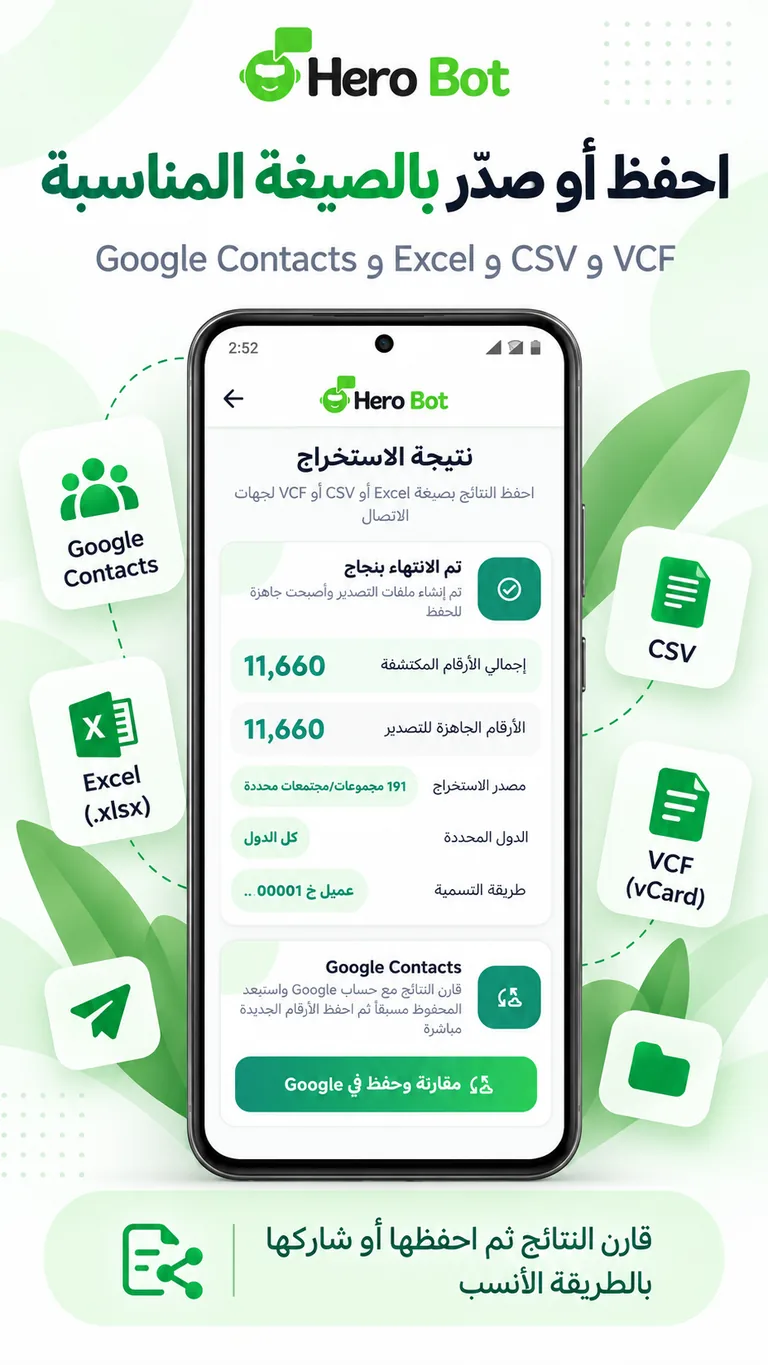
VCF is therefore useful when the next step is adding the list to a contact book rather than analyzing it as tabular data.
4. What about Google Contacts?
If you do not need an intermediate file, you can save the reviewed and organized results to Google Contacts. This is useful when you want the list to become contacts in your Google account without creating and importing a separate file.
Before saving directly, review the final list carefully so that only the contacts you actually want are added, especially when the source contains a large number of results.
5. Filter the results before creating a file
If your extracted list contains numbers from multiple countries, apply the country filter before creating the Excel, CSV or VCF file. This keeps the exported dataset closer to the region you actually need and reduces manual cleanup later.
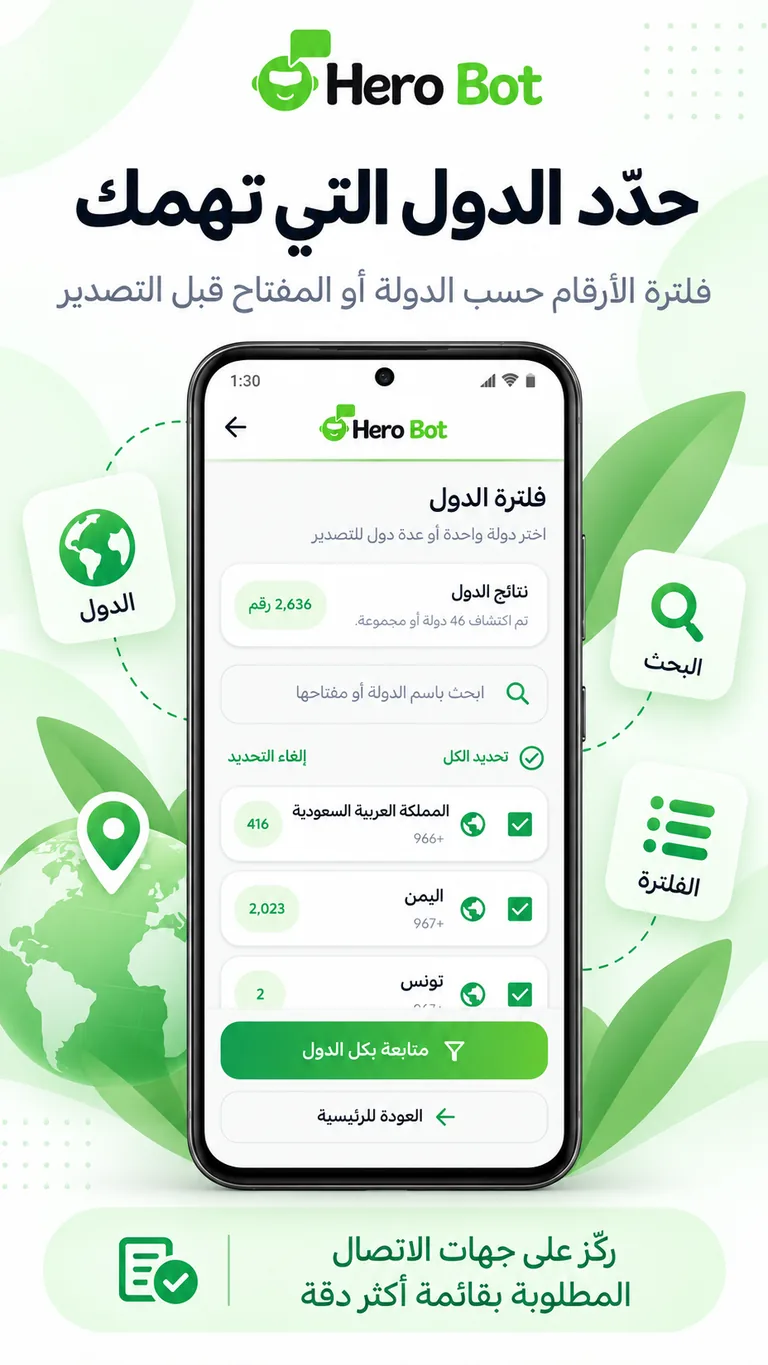
For more detail, see the guide to filtering WhatsApp contacts by country before export.
6. Organize names before Excel, CSV or VCF
Organizing contact names before export helps the spreadsheet, CSV file or contact list start with clearer data. This becomes especially useful when you work with a large number of contacts or maintain several separate lists.
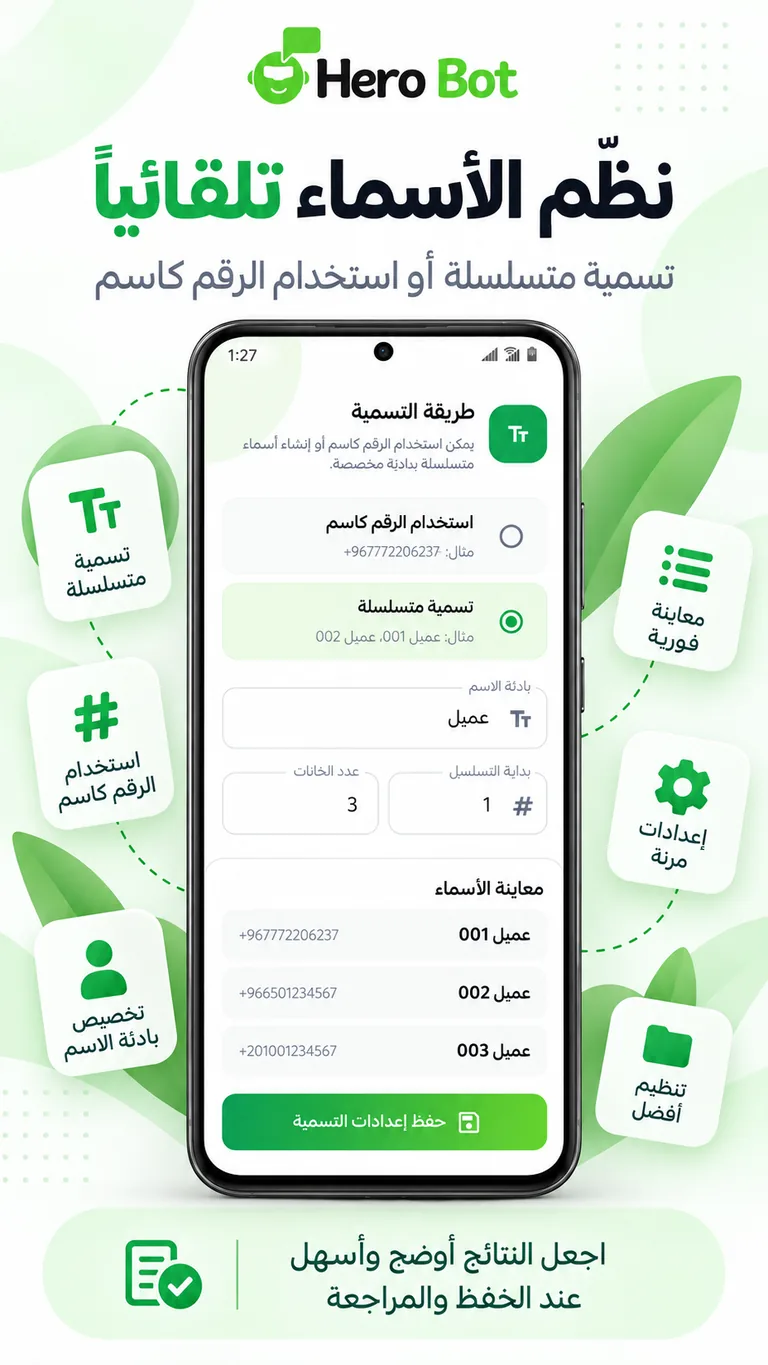
For a focused walkthrough, see the guide to organizing WhatsApp contact names before export.
7. Quick comparison of the available options
- Excel: when you want an easy-to-review spreadsheet.
- CSV: when the destination system accepts CSV files.
- VCF: when you want to import the results as contacts.
- Google Contacts: when you want to save directly without an intermediate file.
8. Practical examples for choosing a format
If your team will review names and phone numbers before using the list, start with Excel. If a business system requires CSV for import, choose CSV from the beginning to avoid extra conversions. If the goal is to move the list into a contacts app or device that supports vCard, use VCF. If the final destination is your Google account, saving directly to Google Contacts is the shortest path.
Choosing the right format does not change the contact data itself, but it can reduce unnecessary steps after export and make the handoff to the next system clearer.
How do you choose the right format for your list?
Start with one question: where will you use the results next? Choose Excel for spreadsheet review, CSV for a system that imports CSV, VCF for contact import, or Google Contacts when your Google account is the final destination.
If the contacts come from a group or community, you can also review the WhatsApp group contact extraction guide and the WhatsApp Community contact extraction guide.
Get started with HeroBot App
You can review extraction, filtering, contact naming and export options on the HeroBot App for Android page. If you need customer conversation management and automation through WhatsApp API, visit the HeroBot WhatsApp API platform.
Use contact data in line with the legal and privacy requirements that apply to your activity. WhatsApp is a trademark of its respective owner. HeroBot is an independent product.